System Utility Software

From setting up the operating system to installing antiviruses, there’s a lot that goes into keeping a computer properly maintained. Without it, you’ll have a computer that’s either nonfunctional or at risk of losing data. To make sure you have everything you need to keep your computer safe and working, we’ve curated a selection of system utilities software. Keep your computer clean, secure, and at peak performance with SoftwareCW.

Change View

  • Data Backups, Antivirus, and More

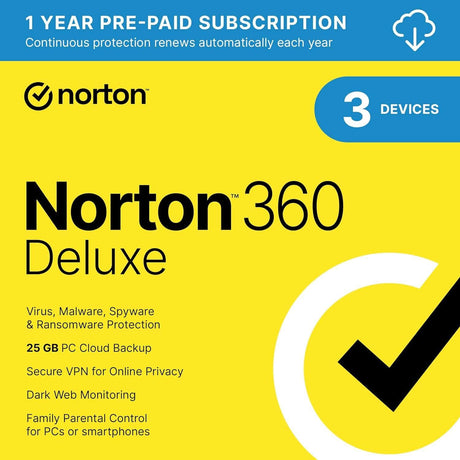
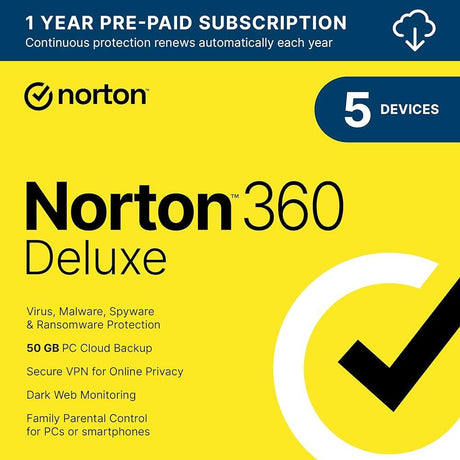
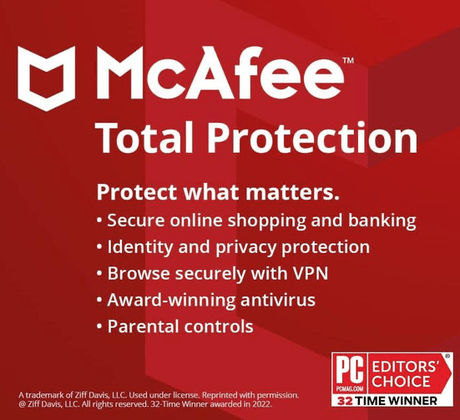
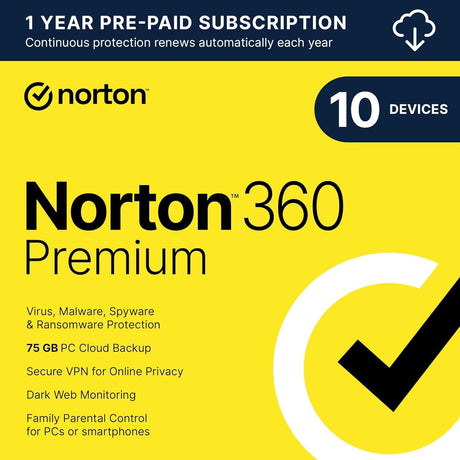
    “System utilities software” is a very broad category of software solutions that maintain and optimize your computer. For example, antivirus software protects your computer from viruses and malware. You can also get data recovery software that backs up your data, ensuring that if your computer’s storage drive dies or gets compromised, you have an image to fall back on.

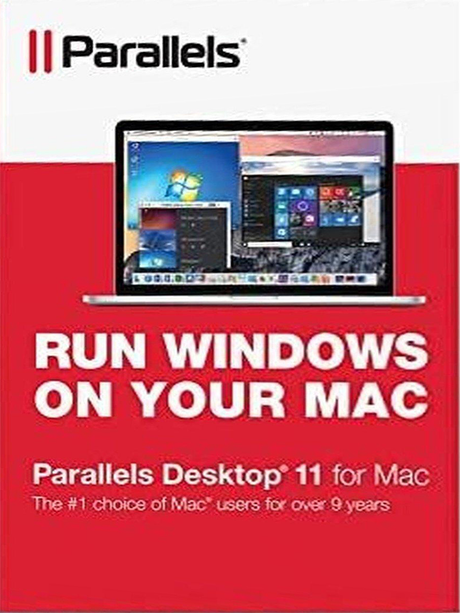
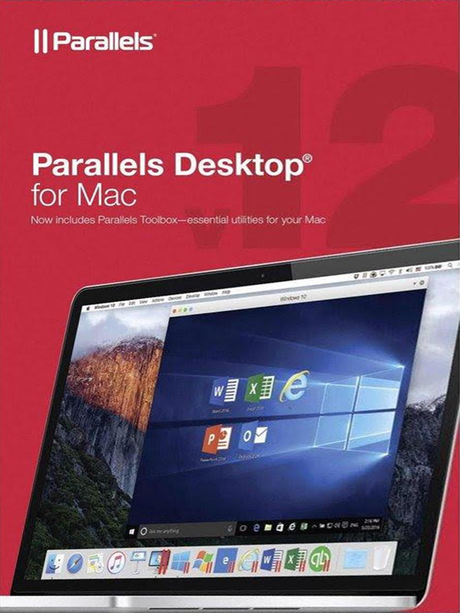
    It also describes programs that expand your computer’s functionality and user experience. Cross-platform utility software for Macs can allow you to run Windows in MacOS. If you struggle with your keyboard, typing software helps you master it and improve your typing speed.

  • Save on System Utilities Software With SoftwareCW

    SoftwareCW is proud to be the software retailer of choice for individuals and organizations that need software they can rely on at prices they can afford. We offer a huge library of authentic licenses for both personal and professional use. Explore software ranging from video editing software downloads for PCs to disc-burning software, all at discount prices.

    Want to save even more? With our SoftwareCW Plus program, you get incredible exclusive member benefits. Enjoy 10% off all purchases sitewide, as well as additional discounts for buying in bulk. Manage your software and re-download it after switching devices. Get priority technical support. Get all this and more with your SoftwareCW Plus subscription!

Frequently Asked Questions

What is system utilities software?

Utility software is software that performs a specific function to improve the security, productivity, and functionality of a device. It’s a broad term, but it encompasses everything from file compressors to antivirus programs. These are some of the foundational applications everybody should have on their computer, regardless of its intended use case.

Is Windows 10 a utility software?

Windows 10 is an operating system. Operating system downloads come with tons of utility software built into them, such as Windows Defender and built-in data backup tools. However, the OS itself is not considered utility software.

Do you offer utility software for Macs?

Yes, we offer system utilities software for MacOS as well as Windows. About half of our software is compatible with Apple laptops. Download software for Macs that protects your computer for viruses and malware, as well as virtual desktop programs that allow Windows apps to run in MacOS.

What is the difference between system utility software and system maintenance software?

System utility software is the broader category. It can include security tools, data recovery, file compression, cross-platform software, backup utilities, operating-system tools, and maintenance applications. System maintenance software is narrower and focuses on keeping a computer healthy or usable through cleanup, repair, optimization, diagnostics, or similar tasks. Start with the problem you need to solve rather than the category label, because a security suite and a disk-repair utility can both be system utilities while serving completely different purposes.

When should I use data recovery software instead of backup software?

Backup software is preventive: it creates another copy of important data before something goes wrong. Data recovery software is reactive: it attempts to retrieve files after deletion, corruption, formatting, or storage problems. Recovery is never a substitute for a good backup because overwritten or physically damaged data may not be recoverable. If your goal is ongoing protection, prioritize backups; if files are already missing, choose a recovery tool that supports the affected file system and storage device and avoid writing new data to that drive.

Can third-party utility software add features that Windows or macOS already includes?

Yes, but the value depends on the use case. Modern operating systems include built-in security, storage, backup, compression, and maintenance tools, while third-party utilities may add broader features, different workflows, multi-device management, specialized recovery, advanced file formats, or cross-platform capabilities. Compare the specific limitation you are trying to solve before purchasing. Installing multiple utilities that perform the same low-level task can add complexity without improving results, so avoid duplicating security, cleanup, or system-management functions unnecessarily.

How do I choose between antivirus, recovery, compression, and migration utilities?

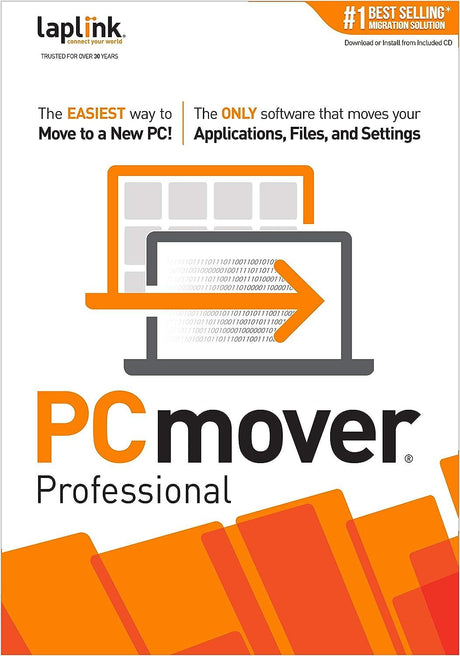
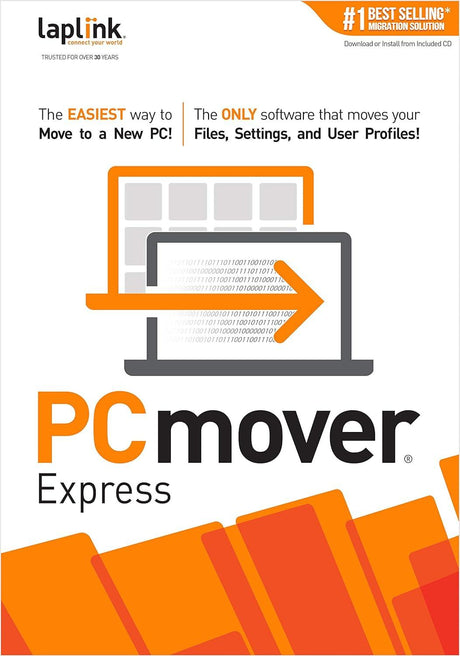
Match the utility to the job. Antivirus and internet-security tools focus on threat prevention; recovery software attempts to restore lost files; compression tools package and reduce file sizes; migration tools move files, settings, or applications between computers; and virtualization or cross-platform tools can run another operating system. SoftwareCW’s system-utility category spans several of these functions. Define the problem first, then compare products within that narrower subcategory instead of trying to rank unrelated utilities against one another.

Can system utilities affect drivers, security settings, or other low-level parts of the computer?

Some can. Security tools, driver utilities, disk-repair products, virtualization software, and certain maintenance applications can interact closely with the operating system. That makes exact compatibility more important than it is for a simple document editor. Check the supported OS version and processor architecture and create a current backup before using tools that modify system settings, partitions, drivers, or startup behavior. Avoid running multiple security or low-level optimization tools that can conflict with each other.

Should I choose subscription or one-time-purchase utility software?

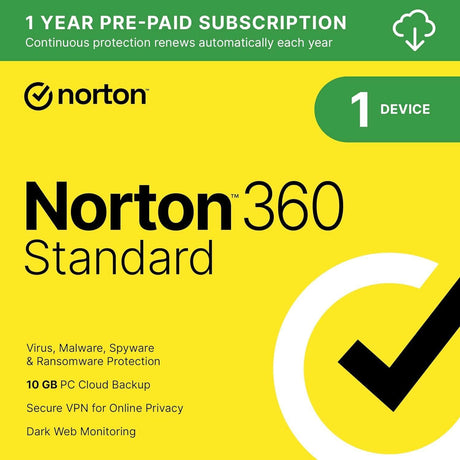
It depends on what the utility needs to stay useful. Security software benefits from continuously updated threat data and commonly uses subscriptions, while compression, migration, recovery, or legacy maintenance tools may be sold as one-time purchases. Check whether the license includes future versions, definition updates, cloud services, or a fixed support period. A perpetual license can be economical for a stable task, but a subscription can make more sense when the product depends on ongoing security intelligence or frequently changing operating systems.

What compatibility checks matter most for system utility software?

Verify the exact Windows or macOS version, processor architecture, file system or storage type when relevant, required permissions, available disk space, and any hardware or driver dependencies. For a migration or virtualization tool, check both source and destination systems. For security software, confirm update connectivity and device limits. For recovery tools, confirm support for the affected drive and file system. Utility software often works close to the system, so version-specific compatibility should be confirmed before installation.

What should I do before installing a utility that changes or repairs my system?

Create a current backup of important files and, when practical, a recovery option for the operating system. Read the publisher’s requirements and understand what the utility will change before running repair, cleanup, partition, registry, migration, or driver operations. Close conflicting tools and do not interrupt a process that modifies storage. If data is already missing, avoid installing the recovery program onto the affected drive because new writes can overwrite recoverable information. Preparation reduces the risk of turning a fixable problem into a larger one.