Norton - SoftwareCW - Authorized Reseller

Norton

Norton is a brand synonymous with device protection. It offers its Norton antivirus software in the form of service plans, keeping one or multiple devices safeguarded year-round from suspicious websites, malware, ransomware, and other online threats. Recent additions to this software offer dark web monitoring and assistance with safely managing passwords and cloud backups. SoftwareCW carries Norton 360 downloads to protect home and workplace devices. Download Norton antivirus from SoftwareCW for comprehensive digital security.

Change View

  • Download Norton Antivirus Software for Complete Device Protection

    Since 1991, people, companies, organizations, and other device users have relied on Norton's superior protection. Norton 360 downloads ensure you remain safeguarded from viruses, ransomware, hacking, malware, and other digital threats.

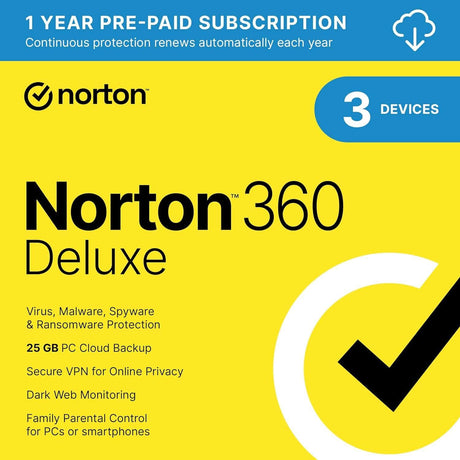
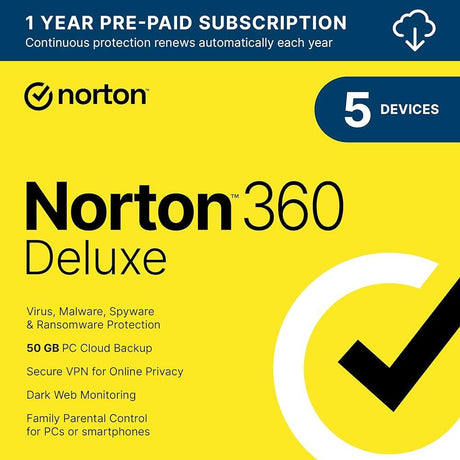
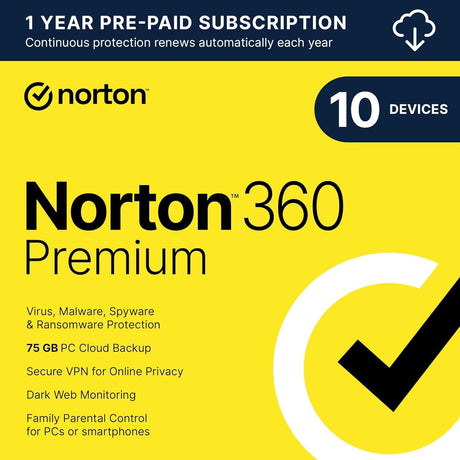
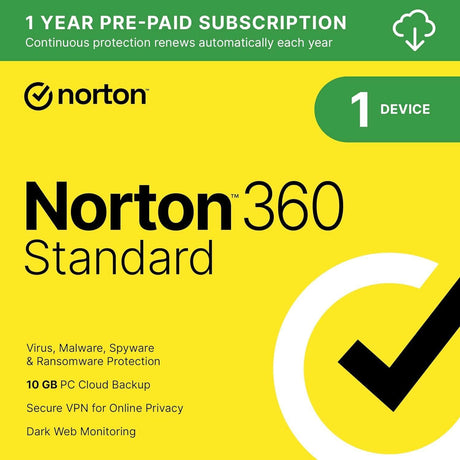
    This brand’s current product line includes Norton 360 Standard, Premium, and Deluxe. The version you need depends on how many devices need protection and how much PC cloud backup space you desire.

    Help prevent losing access to your devices or unknowingly falling victim to malware or a hacker. Safeguard home and work computers, tablets, smartphones, and other applicable devices with Norton 360.

  • Why Buy From SoftwareCW?

    SoftwareCW is a leading software retailer that offers digital tools from only the most well-known brands. Our company offers incredible value through its low prices. First-time customers receive a 10% discount on their first order, and SoftwareCW Plus members receive 10% off all their orders.

    SoftwareCW carries a wide range of software, including:

    • Office suites
    • 2D CAD
    • 3D modeling
    • Graphic design
    • Operating systems

    Plus, we offer all software digitally. That means no waiting for physical software to ship to your home or business. Your software is ready right away. No waiting in long lines. No driving all over town to find a software store. We ship our software to your home or business.

    Have questions? Do you want to learn more about our company? Check out our support section.

Frequently Asked Questions

How do I download Norton 360?

Downloading any software we offer is fast and easy. First, choose the type of Norton software you want. Then, check out using our fully SSL-encrypted process. Lastly, download your chosen software, enter your activation key, and you’re ready to start using Norton 360. If something happens along the way, our support team is ready to help with your questions or concerns.

Is Norton 360 the same as Norton Antivirus?

Norton 360 is a more expansive version of Norton Antivirus, providing all features of the latter with additional tools and programs for digital device protection. An updated version of Norton Antivirus, Norton Antivirus Plus, also offers extensive protection for a single device.

What are the main features of Norton 360?

The primary feature of this software is device protection, including safeguarding from malware, ransomware, sketchy websites, and other cybersecurity concerns. Additionally, versions of Norton feature cloud PC backups, dark web monitoring, password management tools, and around-the-clock support. Norton 360 downloads also provide a feature called Smart Firewall, which monitors traffic throughout a network and blocks access for any unwanted or unknown users.

Does Norton 360 include a VPN?

Yes. Current Norton 360 plans include Norton VPN, which can be used on supported Windows, Mac, Android, and iOS devices within the plan’s device allowance. Norton also sells standalone VPN products, including a VPN Standard listing on SoftwareCW. If you already plan to buy Norton 360, check whether its included VPN meets your needs before purchasing a separate VPN subscription. Availability and individual VPN features can vary by operating system and country.

Is Norton Cloud Backup available on Mac?

No. Norton’s current system-requirement pages state that Norton Cloud Backup is not supported on macOS, even though Norton 360 itself supports Macs. That means a mixed Windows-and-Mac household can use the same eligible multi-device plan, but some features will not be identical on every device. Cloud Backup, Parental Control, and SafeCam are among the features with platform limitations. Compare the plan based on the operating systems you actually use rather than assuming every advertised feature is available everywhere.

Can Norton 360 protect Windows, Mac, phones, and tablets under one plan?

Yes, supported multi-device Norton 360 plans can cover a combination of eligible PCs, Macs, smartphones, and tablets up to the plan’s device limit. The exact system requirements differ by platform, and some features are unavailable on certain devices. For example, Norton’s current mobile support requires supported Android or recent iOS versions, while Mac support has different feature limitations from Windows. Count your actual devices and verify each platform before choosing Standard, Deluxe, or Premium.

What should Windows on ARM users know about Norton 360?

Norton currently supports Windows devices using supported x86/x64 and ARM processors, including Snapdragon-based systems, but some features can differ on ARM. Norton notes, for example, that Parental Control is not included on Snapdragon/ARM versions in its current requirements. VPN compatibility can also differ among older Norton components. If you use a Windows 11 ARM PC, check the requirements for the exact Norton plan and feature set you need rather than assuming every component behaves identically to an Intel or AMD installation.

Does Windows S mode limit Norton 360 features?

Yes. Norton documents feature limitations on Windows in S mode; Cloud Backup, Parental Control, and SafeCam are not supported there. S mode also restricts traditional desktop software installation, so compatibility should be checked before purchase. If you are considering leaving S mode to install or fully use security software, remember that switching out is generally a one-way Windows change. Verify the current Norton and Microsoft guidance for the exact PC before altering the system configuration.

How should I think about Norton subscription renewal?

Norton 360 is sold as a subscription, so compare both the initial purchase and the renewal terms. Norton’s own product pages distinguish introductory pricing from renewal pricing, and the subscription remains subject to its sales and license terms. Keep track of the subscription account, renewal date, device count, and active installations. When buying through SoftwareCW, confirm the term and activation instructions for the exact SKU so you understand how long protection lasts and how continued coverage is renewed.

What should I verify before choosing a Norton product?

Count the devices you need to protect, identify their operating systems, estimate how much Windows cloud-backup storage you need, and decide whether VPN, dark-web monitoring, parental controls, or other plan features matter. Then compare Standard, Deluxe, Premium, or the standalone VPN listing against those needs. Check platform-specific limitations for Mac, Windows S mode, ARM PCs, Android, and iOS, plus the subscription and renewal terms. The best tier is the smallest one that covers your actual devices and required features.