Antivirus and Security Software

In a world increasingly governed by digital interactions, the security of our virtual environments is not just a necessity but a cornerstone of modern existence. When you download antivirus and security software for your Windows PC, SoftwareCW offers antivirus solutions that act less like a tool and more like a guardian, transforming your devices into fortresses. These programs are the silent sentinels standing between order and the chaos of cyber threats.

Change View

  • Transformative Security: Redefining Digital Protection

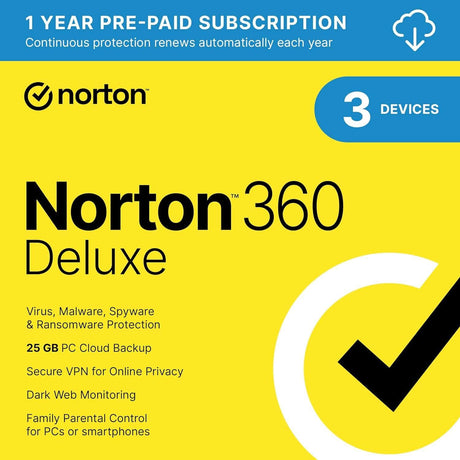
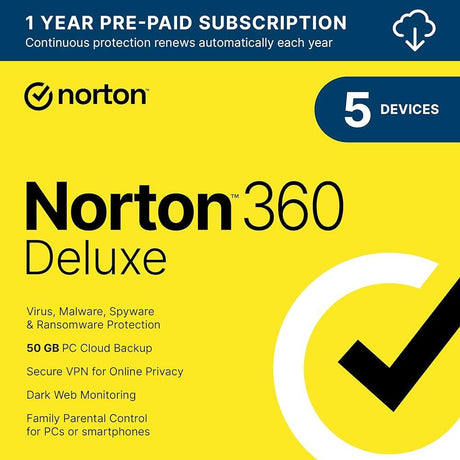
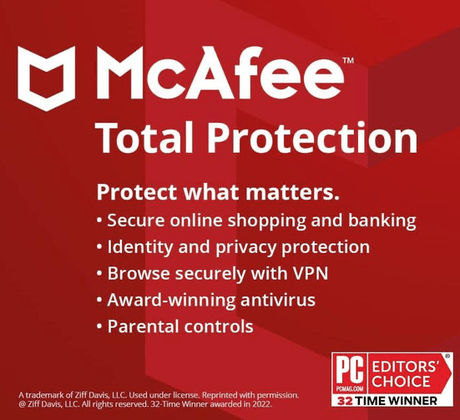
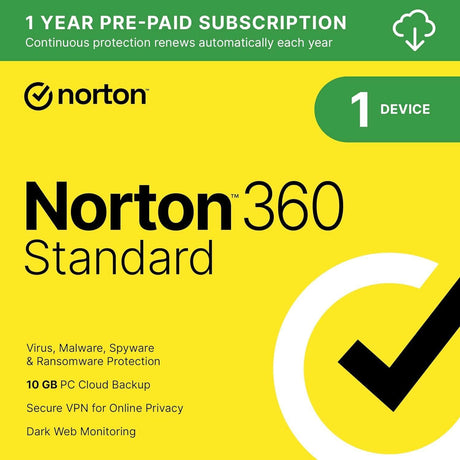
    Envision a digital guardian whose role transcends mere protection—this is the essence of modern cybersecurity. Tools like Norton 360 Deluxe and McAfee do not just defend; they empower. They come equipped with firewalls, parental controls, and secure VPNs, expanding your command over digital spaces. These features not only protect but also enhance your ability to navigate the web safely, ensuring that both your personal data and business operations are fortified against the evolving landscape of cyber threats.

  • The SoftwareCW Commitment: Beyond Software

    Choosing SoftwareCW is about embracing a partnership that values your digital safety as much as you do. Our commitment to offering authentic, high-quality software paired with instant downloads means you get what you need fast. Whether you want to download antivirus software for your PC, need some new software for managing your business, or even photo editing software for family and vacation photos, you’ll find it at SoftwareCW.

Frequently Asked Questions

What software offers the most robust protection?

With the right tools, navigating the digital world becomes safer and smarter. Norton’s 360 Deluxe, for example, provides a comprehensive shield with its multi-layered protection features for those seeking to buy antivirus software for a PC.

Can I protect multiple devices across different platforms?

Absolutely. Our solutions, including McAfee Total Protection and Trend Micro Maximum Security, offer cross-platform compatibility, ensuring robust protection whether you’re on security software for Windows or Mac.

Why choose SoftwareCW for your cybersecurity needs?

Choosing SoftwareCW means more than securing software; it means investing in a safeguard for your digital journey. Download antivirus security software for your PC.

Do I need third-party antivirus software if Windows already includes Microsoft Defender?

Supported Windows versions already include Microsoft Defender Antivirus, which provides built-in malware protection. A third-party product is not automatically required, but suites from Norton, McAfee, AVG, and similar vendors can add different combinations of VPN, identity monitoring, parental controls, cloud backup, password tools, web protection, or multi-device management. Choose based on the additional protection and management features you need rather than assuming every PC must have two antivirus products. Keep whichever primary antimalware product you use fully updated.

Should I run two antivirus programs at the same time for extra protection?

Generally no. Microsoft warns that running multiple real-time antimalware products at the same time can cause slowdowns, instability, or other conflicts. When a compatible third-party antivirus product is installed, Microsoft Defender normally changes its active state automatically. Before replacing security software, uninstall the old real-time antivirus cleanly and confirm that the new product is active. Layer security with backups, updates, browser protections, strong authentication, and safe browsing practices instead of running competing antivirus engines simultaneously.

What is the difference between antivirus software and a full internet security suite?

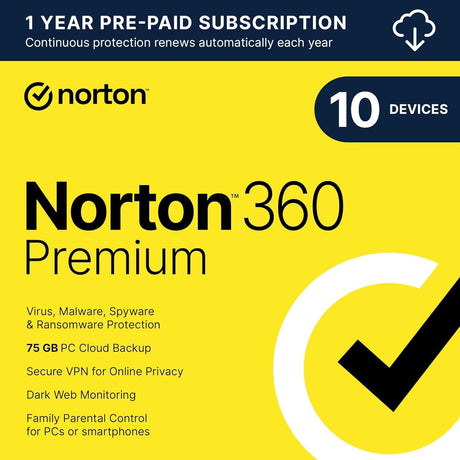
Antivirus focuses primarily on detecting and blocking malware, while a broader security suite can add firewall controls, phishing or malicious-site protection, VPN, identity monitoring, parental tools, password management, cloud backup, or device-management features. SoftwareCW’s security collection includes products such as Norton 360 and McAfee suites that go beyond basic malware scanning. If you only need core threat protection, a simpler product may be enough. If you want one subscription to cover several security and privacy functions, compare suite features and platform availability.

What is the difference between real-time protection and an on-demand antivirus scan?

Real-time protection watches files and activity as they are opened, downloaded, or executed and can respond immediately to detected threats. An on-demand scan checks selected files, folders, or the full computer when you start the scan. Microsoft Defender and major third-party security products use both approaches. Real-time protection should normally remain enabled, while manual or scheduled scans can provide an additional check. Security intelligence and program updates are important because detection depends on recognizing current threats, not just running scans more frequently.

Can antivirus software stop phishing and fake websites?

Security suites can help identify malicious links, suspicious downloads, and known fraudulent websites, but no antivirus can guarantee that every phishing attempt will be blocked. Phishing often relies on convincing a person to enter credentials, approve a payment, or reveal information rather than infecting the device with traditional malware. Use browser and email protections, verify unusual requests through another channel, and enable multifactor authentication where available. Treat web protection as one layer of defense rather than a substitute for careful judgment.

Does antivirus protection replace the need for backups against ransomware?

No. Antivirus can reduce the chance that ransomware succeeds, but backups are the recovery layer if files are encrypted, deleted, corrupted, or otherwise lost. Keep important data in more than one location and avoid relying only on a backup that is always writable from the protected PC. Some security suites include cloud-backup features, but availability can vary by plan and platform. Test that important backups can be restored and keep the backup strategy separate from the question of which antivirus engine you use.

How should I choose a security plan for several devices and operating systems?

Count the Windows PCs, Macs, phones, and tablets you actually want to protect, then compare the plan’s device limit and supported platforms. SoftwareCW’s security catalog includes products with several device-count options, but features can differ by operating system. A plan may include Windows cloud backup while omitting that feature on Mac, for example. Verify each platform, device slot, and feature separately, and distinguish device-based licensing from user-based licensing before choosing a household or small-business plan.

How much should antivirus performance impact matter when choosing security software?

Security software runs continuously, so CPU, memory, storage, startup, and scan impact can matter on older or resource-constrained computers. Check the publisher’s minimum requirements, but also consider how the PC performs during real-time protection, full scans, VPN use, and other enabled features. Do not disable essential protection merely to improve speed. If a current suite makes an older computer unusably slow, compare a lighter supported product or consider whether the aging operating system and hardware should be upgraded.

What should I verify before purchasing antivirus or security software?

Check the exact operating systems and processor types, number of devices, real-time malware protection, web or phishing features, VPN and identity tools, backup availability, system requirements, subscription term, renewal model, and platform-specific limitations. Remove competing real-time antivirus before installation and keep the chosen product updated. If you already have built-in Windows protection, evaluate the third-party suite based on the additional features and management benefits it provides rather than simply adding a second antivirus engine.