Magix - SoftwareCW - Authorized Reseller

Magix

MAGIX is a brand developed by creatives for creatives. They design innovative applications for photos, videos, and audio, giving digital creators the tools they need to bring their visions to life. And with several product lines for each type of media, you’re spoiled for choice in choosing the best software for you. Save on robust video, photo management, sound, and music software downloads today with SoftwareCW.

Change View

  • Create Art Your Way

    MAGIX doesn’t just cater to one type of media. They offer a huge selection of tools for every digital creator. Here’s a guide to the latest MAGIX software available:

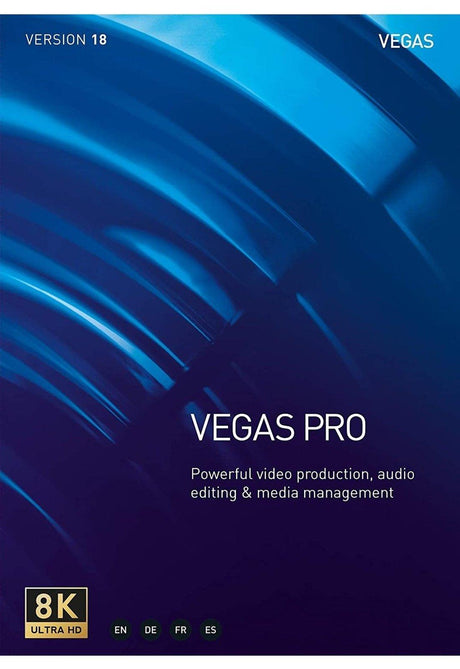
    Video: Movie Maker is video editing software designed for everyone, featuring a simple UI and automated features. Vegas Pro and Video Pro X are intended for professional applications, like movies and promotional videos.

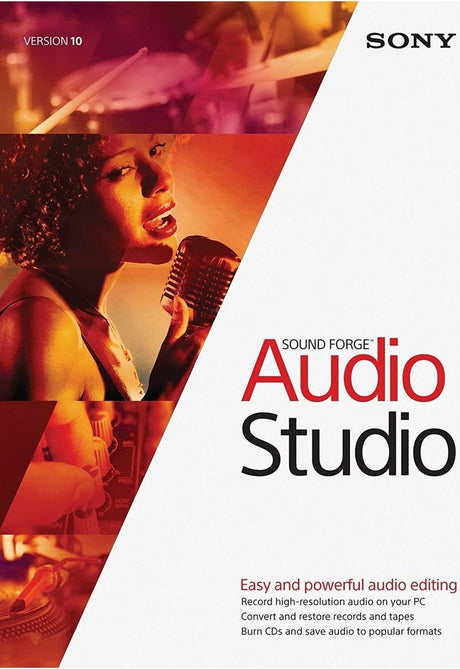
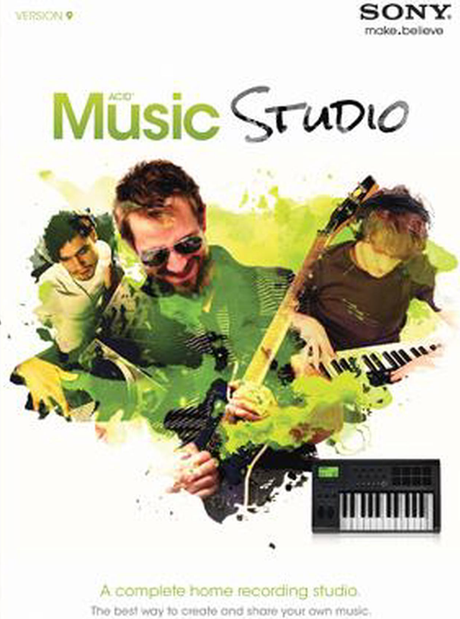
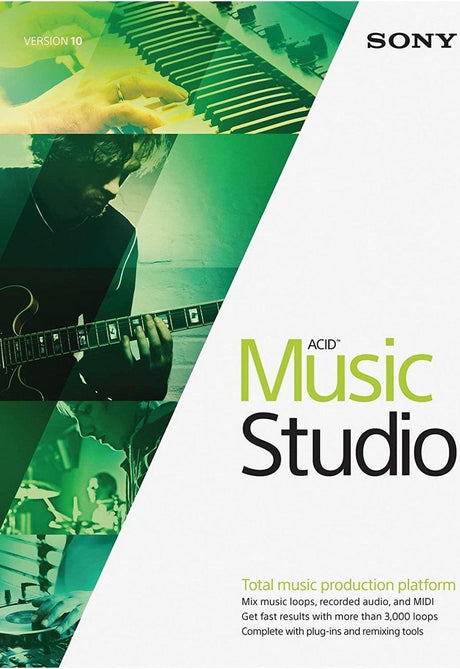
    Music: With easy loop creation, sample libraries, and more, Music Maker and the ACID line of products are music editing applications designed for beginners. For professional musicians and producers, MAGIX offers Samplitude and SOUND FORGE.

    Photo Management: Photostory and Photo Manager give amateur photographers the features they need to backup photos and create professional slideshows, and create professional-level.

    Legacy Software: In addition to the latest MAGIX software downloads, SoftwareCW offers legacy software that MAGIX no longer sells. Check out their programs designed for photo editing, architecture design, and more!

  • Get Premium Software With SoftwareCW

    SoftwareCW has curated a massive inventory of both cutting-edge applications and preserved EOL software, all offered at huge discounts. That’s why our customers, from hobbyists and freelancers who need music software downloads to huge companies like Boeing and Siemens, trust us as their software retailer of choice. We give you the tools you need and help you save money doing it.

    Plus, with our SoftwareCW Plus program, we not only get you even greater savings, but also exclusive benefits. Enjoy easy reactivation after reinstallation, tutorials and guides for your software, and priority support for technical problems.

    Explore our collection today and see how much you can save. If you have questions, contact us. We’ll be happy to help out!

Frequently Asked Questions

Do I need a subscription to use MAGIX software?

Most software designed by MAGIX offered by SoftwareCW is available as a one-time purchase and doesn’t require a subscription. Certain products may offer both subscription and one-time purchase options to best suit your needs. Review the product details prior to ordering to make sure you’re purchasing the option with the payment plan you prefer.

Are MAGIX applications easy to use?

All MAGIX programs are great for beginners and pros alike. They are intentionally designed with an intuitive interface to guide you through every step of the production process, making it easy to bring your ideas to life.

Can I sell music made with MAGIX Music Maker?

You can use your music commercially only if it’s audio you’ve recorded or created yourself and doesn’t contain loops or samples included with your MAGIX software download. Due to copyright restrictions, if you want to sell music or audio made with MAGIX loops and sound samples, or include them in a commercially distributed film, you must purchase an Audio Pro license of the sounds and loops that you use from MAGIX’s library. If you are publishing your song non-commercially with no revenue collection, such as on Soundcloud or a non-monetized YouTube video, you don’t need a license to use audio created with MAGIX software.

Which MAGIX product family fits video editing, music production, or audio editing?

MAGIX spans several creative workflows, so start with the media you produce. SoftwareCW’s collection includes video products such as VEGAS Pro, Movie Studio, and Video Pro X; music-production products such as Music Maker, ACID, and Samplitude; and audio-editing products such as SOUND FORGE. A simple video editor and a full DAW solve very different problems. Compare recording, multitrack editing, effects, plug-in support, media formats, and export requirements within the relevant product family before choosing a version.

What should I know about the legacy MAGIX versions sold by SoftwareCW?

SoftwareCW explicitly carries legacy MAGIX software that the publisher no longer sells alongside newer releases. Legacy versions can be useful for an older computer, a familiar workflow, or an existing project archive, but they can have older operating-system, codec, plug-in, and activation requirements. Do not use the system requirements of the current MAGIX release to assume an older version is compatible with a modern PC. Verify the exact version, installer access, activation process, and any project or plug-in dependencies before purchasing.

Does MAGIX software support Windows 11?

Current and recent MAGIX products include Windows 11-compatible releases, and MAGIX publishes a Windows 11 compatibility resource covering major families such as Movie Studio, VEGAS Pro, and Music Maker. SoftwareCW, however, also carries much older MAGIX versions. Compatibility therefore needs to be checked by product and release. If you use a legacy version, confirm Windows 11 support separately and also check audio-interface drivers, video codecs, plug-ins, and other components that may be older than the main application.

What is the difference between a loop-based music tool and a full DAW in the MAGIX lineup?

Loop-oriented software such as Music Maker is designed to make arranging beats, loops, virtual instruments, and recordings approachable, while products such as Samplitude or ACID can provide deeper multitrack production and editing workflows depending on the edition. MAGIX itself positions Samplitude Music Studio as a step up when users want higher performance and more functions than Music Maker. Choose based on recording depth, MIDI, automation, mixing, plug-ins, track count, and project complexity rather than assuming every music product is interchangeable.

How is SOUND FORGE different from MAGIX music-production software?

SOUND FORGE is primarily an audio-editing and mastering family, making it a better fit for detailed waveform editing, restoration, recording, processing, and preparing finished audio files. Music Maker, ACID, and Samplitude are oriented more toward creating or arranging multitrack music projects. A producer may use both types of software: a DAW for the full song and an audio editor for detailed work on individual files. Check the exact edition because feature depth varies substantially across older and newer releases.

What computer hardware matters most for MAGIX video or audio software?

Requirements depend on the product and project. Video editing benefits from a capable processor, enough RAM, fast storage, and supported graphics hardware, especially for high-resolution footage and effects. Audio production adds requirements around low-latency audio drivers, plug-ins, sample libraries, and storage. MAGIX publishes separate specifications for each current product. For an older SoftwareCW listing, use the documentation for that exact release and verify your audio interface, GPU, codecs, and plug-ins separately.

Can old MAGIX projects be opened in a newer version?

Often there is some forward compatibility within a product family, but the result can depend on project format, plug-ins, effects, codecs, fonts, and media files. A newer application may replace or remove components used by an older project, and opening the file can update it in ways that are not backward-compatible. Keep a backup of the original project and its media before migrating. If an old MAGIX version is essential to archived work, confirm the project path before replacing the working installation.

What should I verify before buying MAGIX software?

Identify the product family and exact version first, then check Windows compatibility, processor and graphics requirements, RAM, storage, audio hardware, supported media formats, plug-in formats, project compatibility, and license model. If the product uses included loops or samples, review the commercial-use rights for your intended release. For legacy MAGIX software, also confirm installer and activation availability. The best purchase is the version that fits both your creative workflow and the computer you will actually use.