Software for Video Production

When you need authentic video production software to edit raw footage and prepare high-quality videos for different audiences, this page offers options you’ll find useful. Our collection includes video-making software you can use for commercials, interviews, event films, training videos, and social media content, along with software for video production teams that need precise control over things like color, sound, effects, and delivery. Compare each title to find an option for your needs.

Change View

  • Tools For The Work Your Studio Delivers

    Editors need tools they’ll actually use, not the longest feature list. 

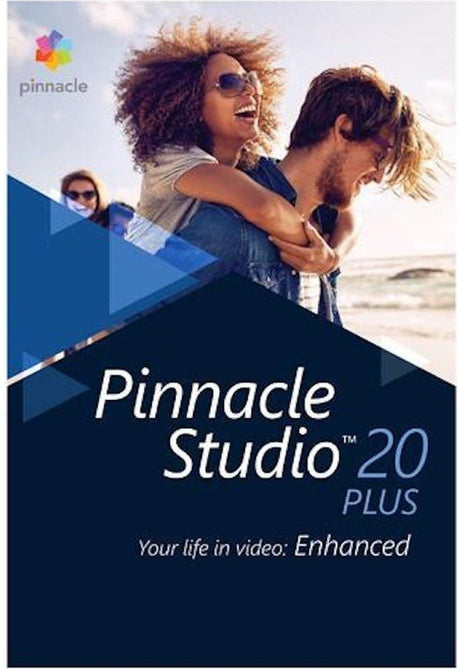
    Studios comparing video production software may choose Pinnacle for its multicamera editing, precise keyframing, color grading, masking, and motion tracking. This makes it practical for interviewers, events, or footage captured from several angles.

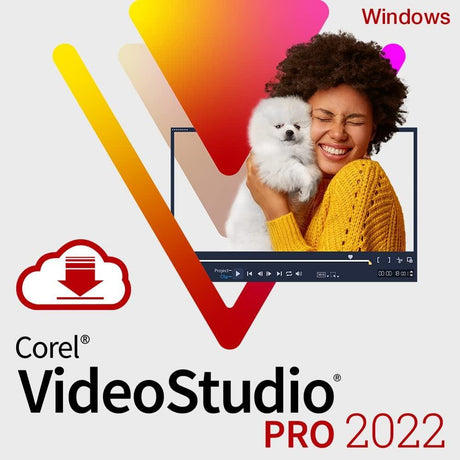
    For short-turnaround client jobs, Corel has programs that offer screen recording, subtitles, quick corrections, and templates. 

    You’ll want to compare operating system requirements, performance demands, export formats, and permitted installations with your studio’s devices and delivery commitments before choosing an edition.

  • Build a Complete Studio Kit With SoftwareCW

    An editing application is only one part of a studio’s production setup. 

    At SoftwareCW, you can pair video production software with audio programs for dialogue editing and mixing, plug-ins for effects, disc-authoring tools, and office or PDF applications for scripts, schedules, release forms, and project records.

    We label every product by edition and platform, helping studios assemble software for video production without mismatched purchases. 

    Orders include an authentic software activation code and instant digital delivery. 

    New customers ordering video-making software receive 10% off, while SoftwareCW Plus members get 10% off every order. Shop now.

Frequently Asked Questions

How can I tell whether footage from my camera will import?

It’s true that when it comes to video production software, matching file extensions does not guarantee compatibility because one container can hold different codecs. Therefore, you’ll want to compare the camera’s codec, resolution, frame rate, bit depth, and audio format with the program’s import list. If the video production software cannot decode the recording, transcode a working copy and retain the camera master.

Are these software titles perpetual one-time purchases or recurring subscriptions?

Most standalone software suites we’ve got here are perpetual licenses. You pay once to own and use that specific version indefinitely without subscriptions. Major future version upgrades for these video production software programs are optional and purchased separately.

How do license transfers work if a studio upgrades or replaces an editing PC?

In such cases, you can transfer your license by uninstalling the video-making software from the original machine while connected to the internet to release the activation seat. You can then install the software and enter your original activation code on the new system.

Can the built-in sound effects, music, and templates be used in monetized client work?

Yes. Stock media, royalty-free background audio tracks, and project templates built directly into these video production software programs are licensed for commercial client output, broadcast, and social media monetization. However, re-distributing or selling raw, unedited template assets as standalone files remains restricted under the standard End User License Agreement (EULA).