
Best Graphic Design Software for Beginners
It’s easy to fall into the trap of thinking that the best graphic design software for beginners is the one that’s most popular or has the longest feature list. However,...

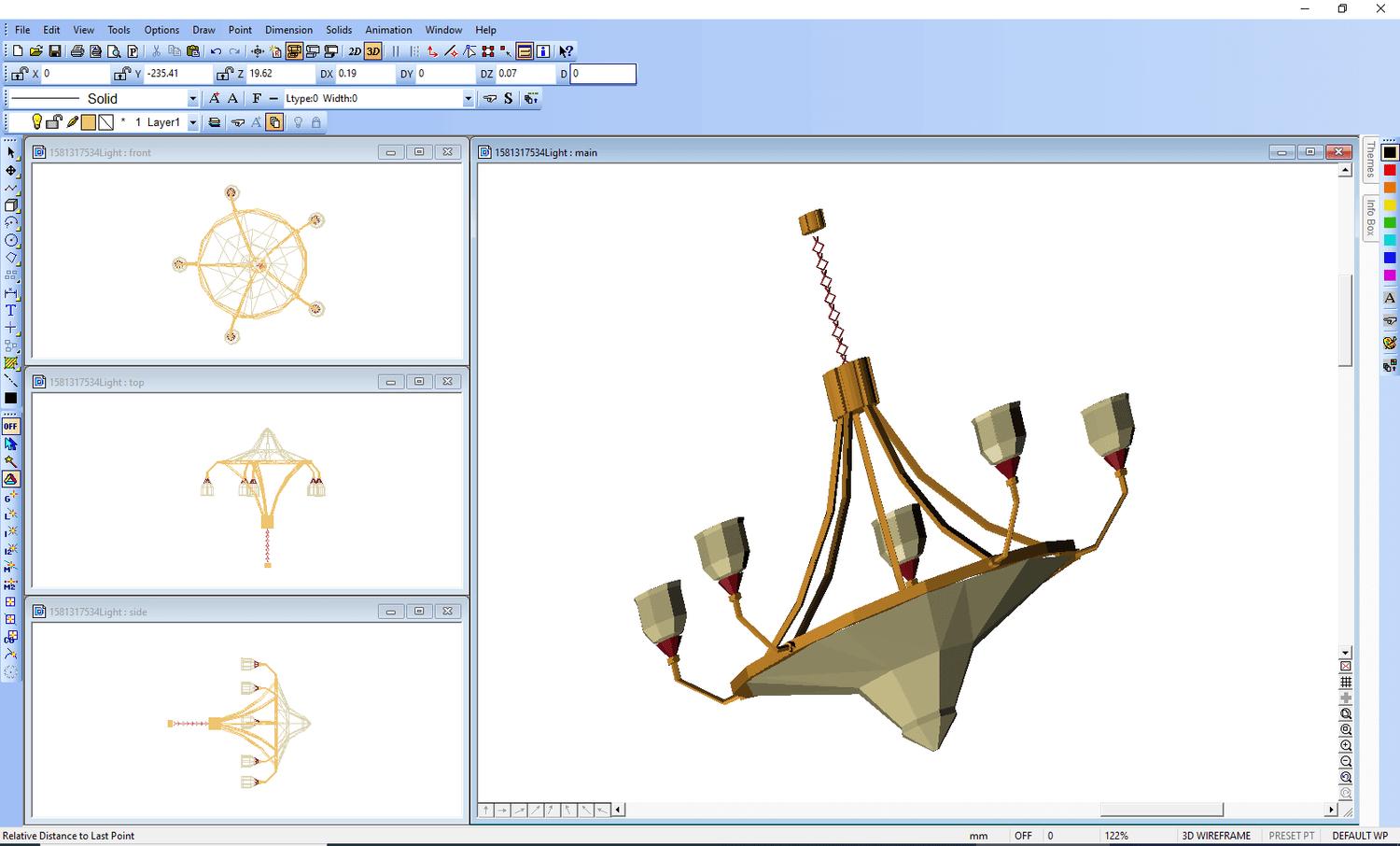
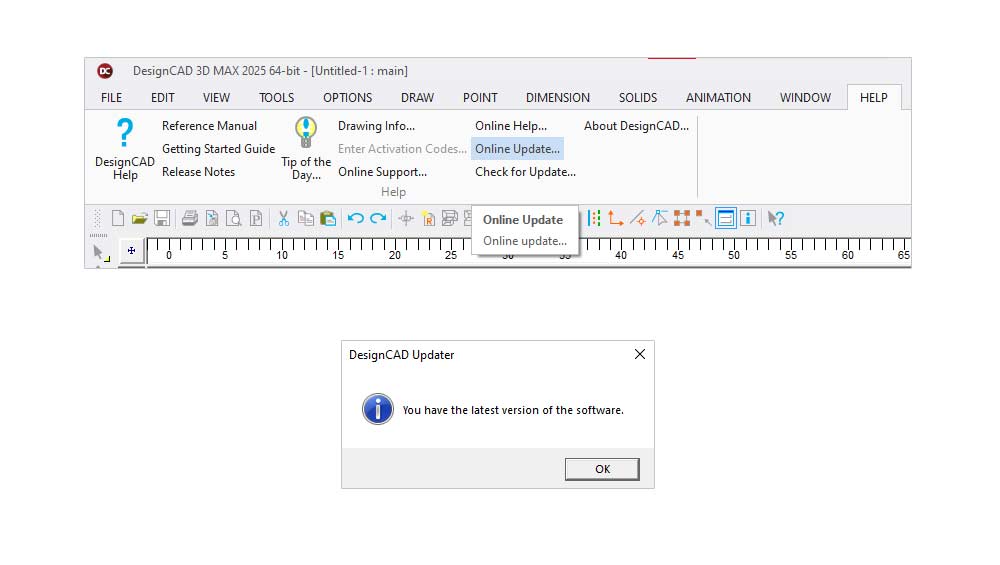
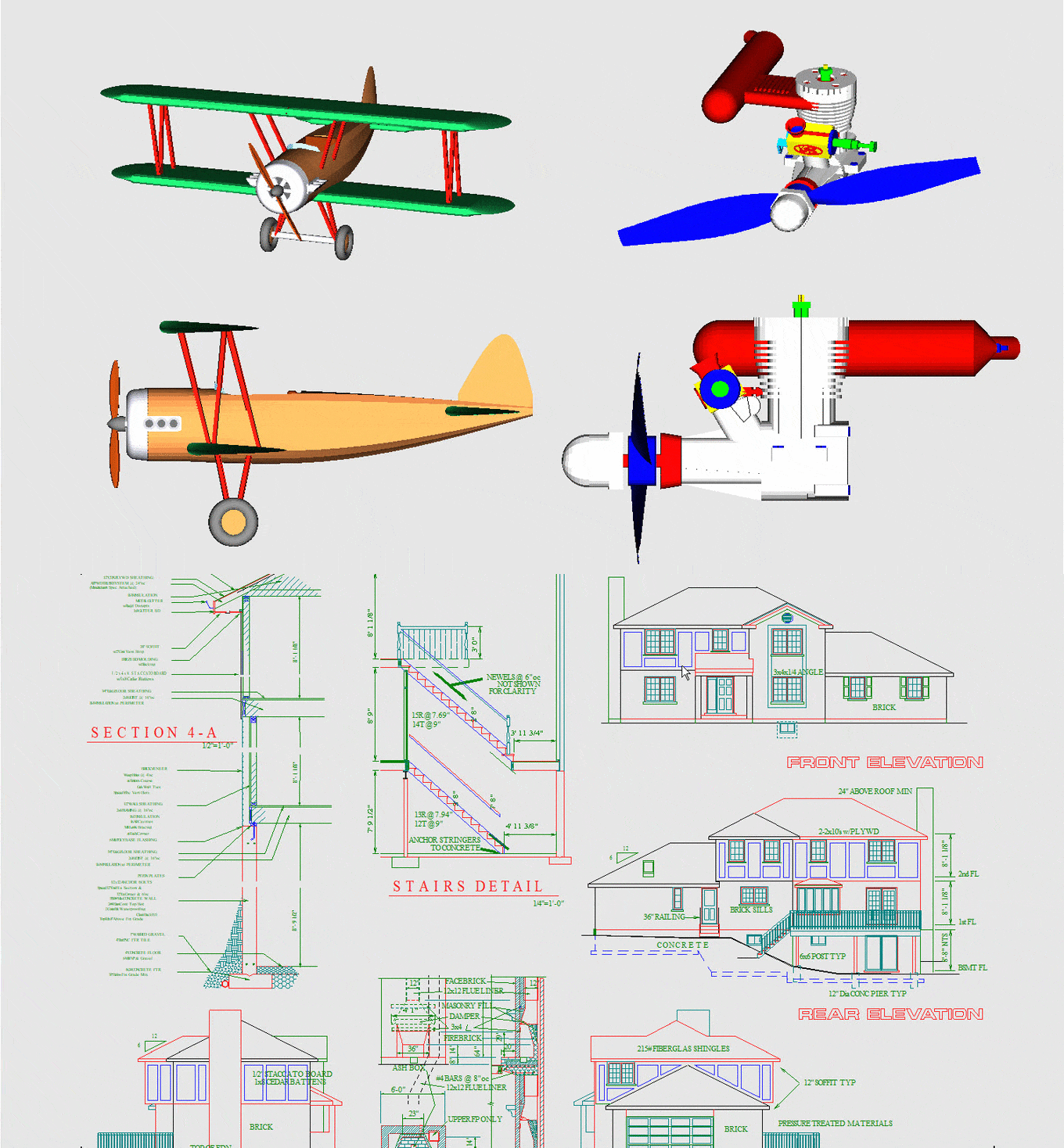
Turn your ideas into polished digital models with this versatile 3D/2D CAD solution. DesignCAD will instantly add value to your project whether you’re a designer, engineer, architect, or hobbyist. Thanks to its extensive modeling and drafting tools, DesignCAD 3D Max 2025 makes even the most complex projects easy to achieve, from sketching a simple 2D layout to building a revolutionary 3D prototype.
The latest DesignCAD release combines innovation, compatibility, and precision to deliver an intuitive CAD platform. The solution is designed to adapt to your unique workflow, from 3D printing to real-time rendering.
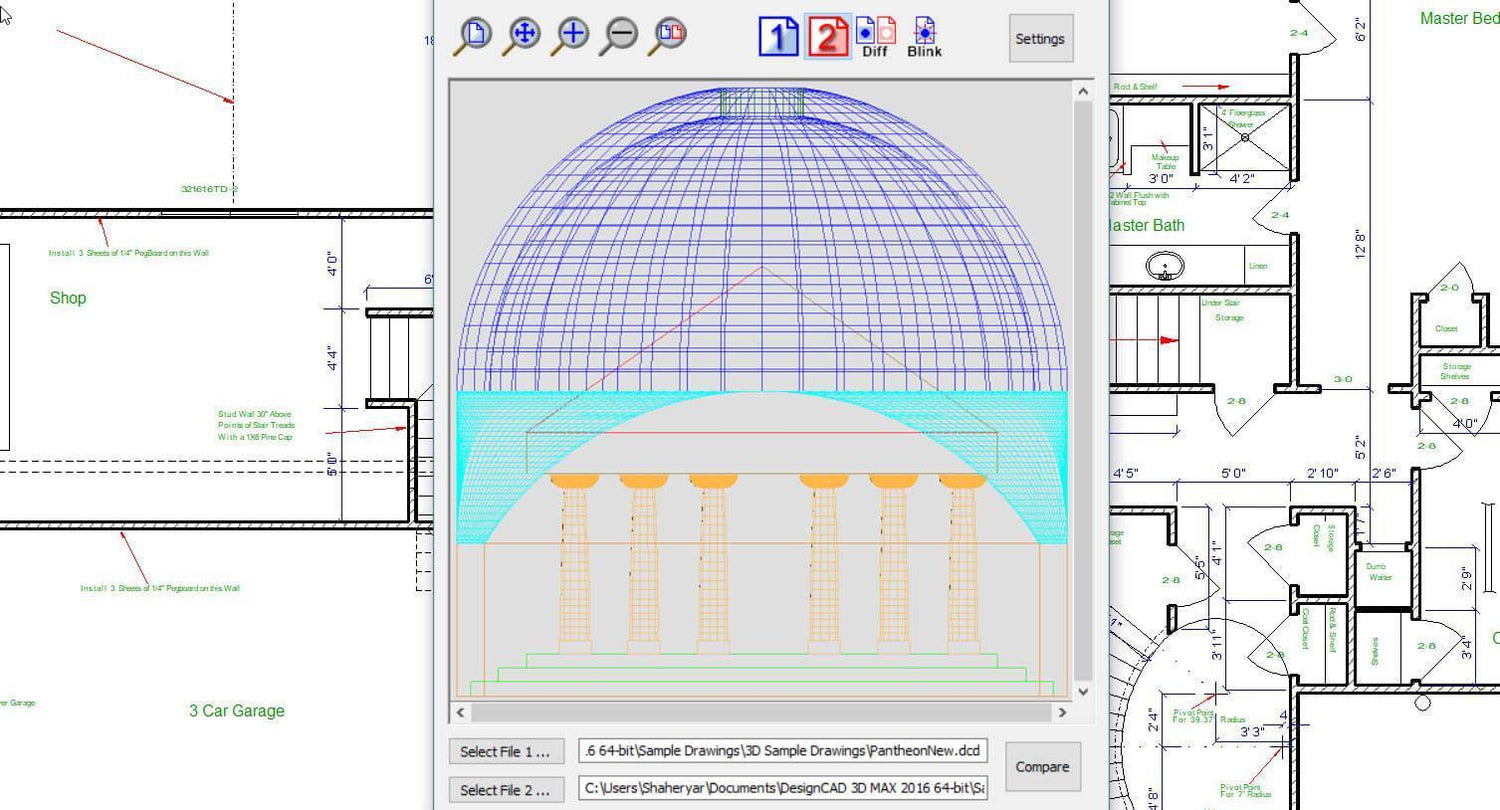
Use the Drafting Assistant to simplify your layout process. The assistant will guide you through accurate alignment and placement. Seamlessly import existing files to make quick modifications, and take advantage of the solution’s user-friendly design features to produce refined models in 3D. The solution is perfect for creating artistic designs, architectural plans, mechanical parts, and more.
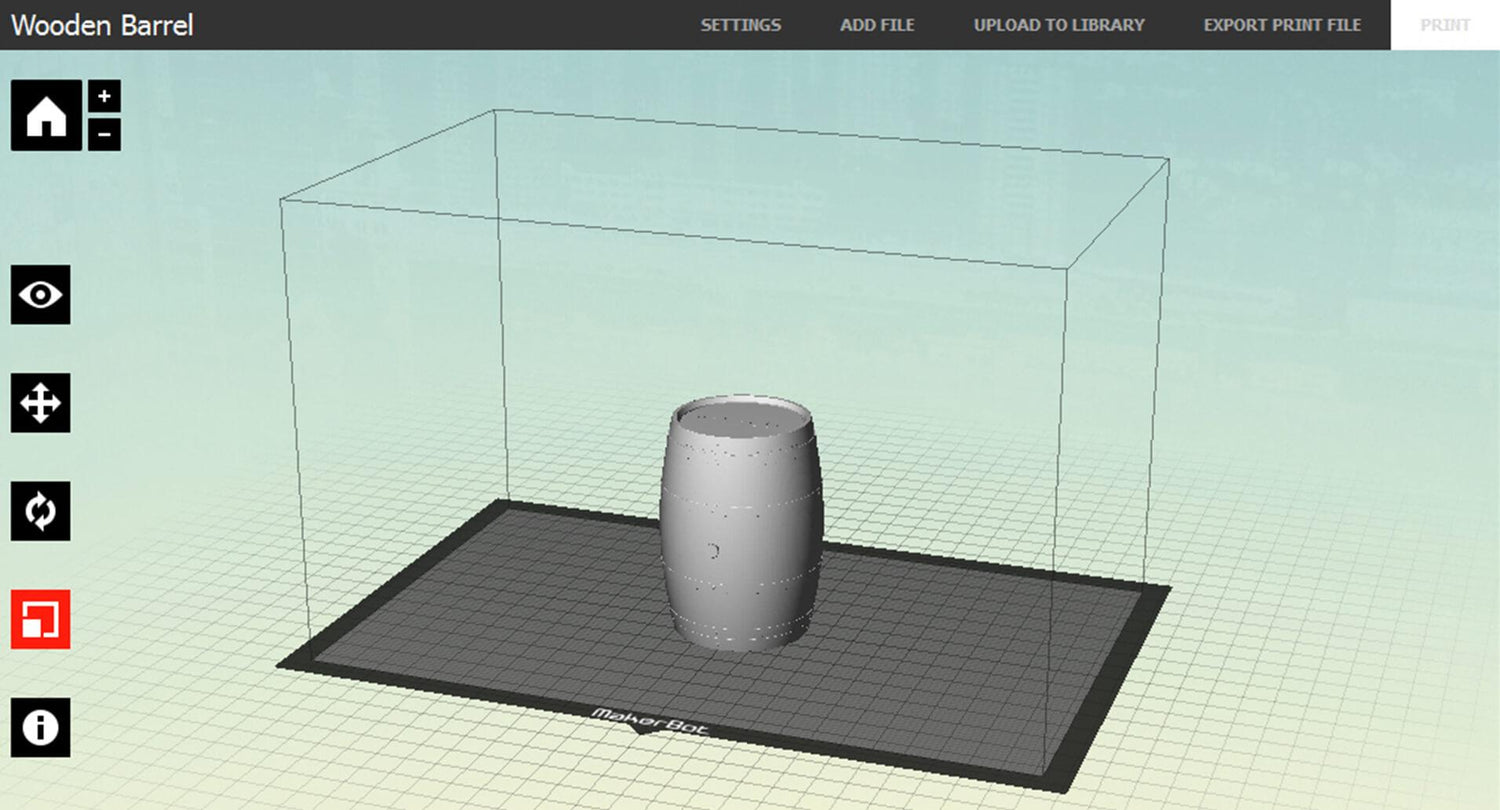
Turn a digital design into a physical reality using DesignCAD’s STL export feature. DesignCAD 3D Max 2025 supports any TurboCAD STL file, enabling seamless integration with 3D printing software. This means you can easily prototype, produce finished parts, and test models with this software without having to navigate complex conversions.
Make your designs move using this software’s high-level OpenGL rendering capability. Draw in the software’s shaded mode, pan, and rotate while performing operations such as copy and subtract. The live rendering feature makes it easy to visualize changes in real time, minimizing guesswork and improving design accuracy.
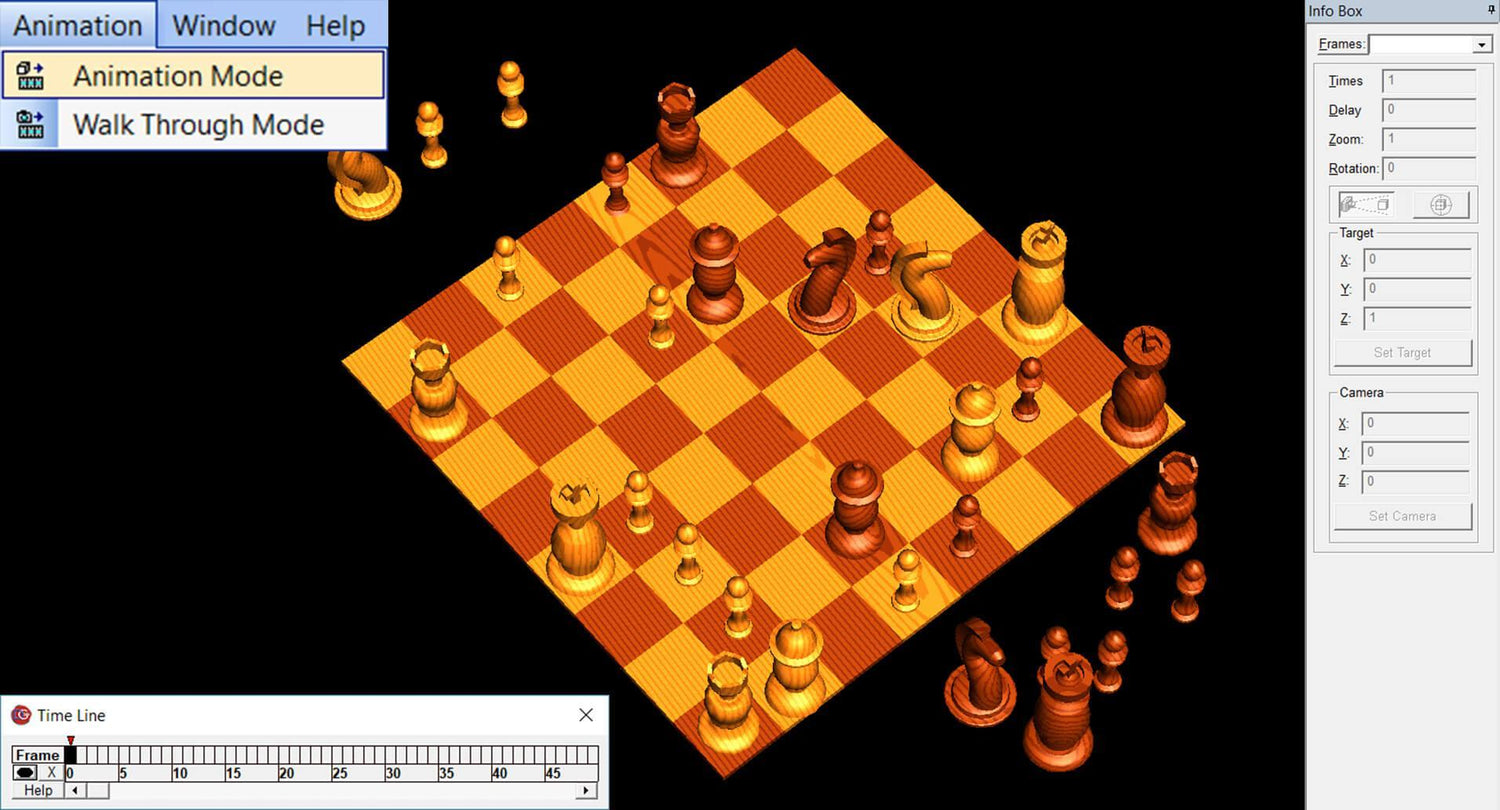
Breathe life into your models using DesignCAD 3D Max 2025’s walkthrough and animation features. Review a motion sequence, explore a design from varying perspectives, and simulate movement. These tools can help architects present building layouts, educators demonstrate design concepts, and engineers test mechanical assemblies with ease.
Look no further than SoftwareCW for the best software for students, professionals, and businesses. Our streamlined, download-only model at SoftwareCW aligns with the modern consumer’s expectations for efficiency and immediacy. Plus, we offer our solutions at prices competitive with major market players. You can also enjoy priority order and technical support when you shop with us, and members receive 10% off all orders (plus the convenience of canceling anytime). Partner with us and download your must-have software today!
Price: $129.99

Choose Version
Turn your ideas into polished digital models with this versatile 3D/2D CAD solution. DesignCAD will instantly add value to your project whether you’re a designer, engineer, architect, or hobbyist. Thanks to its extensive modeling and drafting tools, DesignCAD 3D Max 2025 makes even the most complex projects easy to achieve, from sketching a simple 2D layout to building a revolutionary 3D prototype.
The latest DesignCAD release combines innovation, compatibility, and precision to deliver an intuitive CAD platform. The solution is designed to adapt to your unique workflow, from 3D printing to real-time rendering.
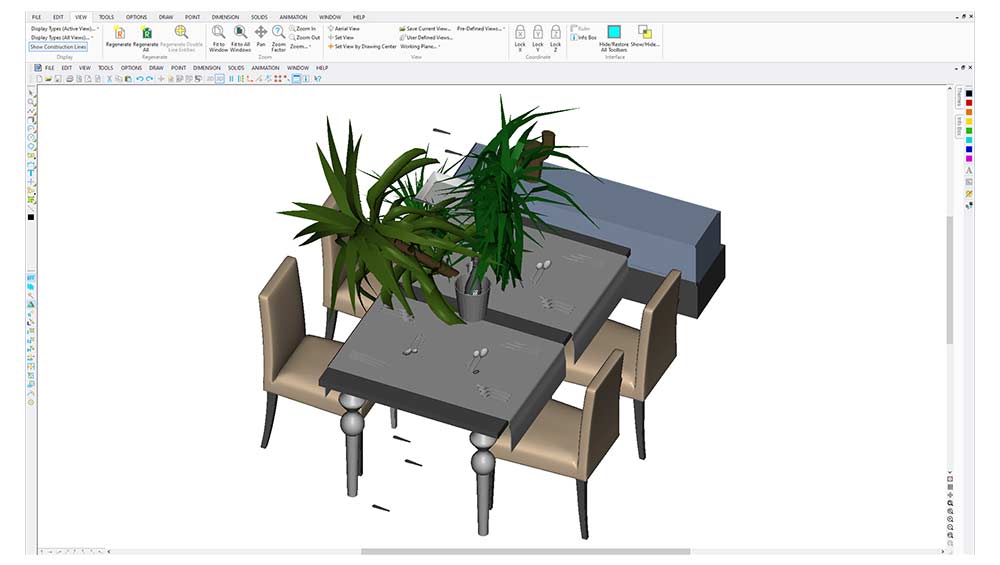
Use the Drafting Assistant to simplify your layout process. The assistant will guide you through accurate alignment and placement. Seamlessly import existing files to make quick modifications, and take advantage of the solution’s user-friendly design features to produce refined models in 3D. The solution is perfect for creating artistic designs, architectural plans, mechanical parts, and more.
Turn a digital design into a physical reality using DesignCAD’s STL export feature. DesignCAD 3D Max 2025 supports any TurboCAD STL file, enabling seamless integration with 3D printing software. This means you can easily prototype, produce finished parts, and test models with this software without having to navigate complex conversions.
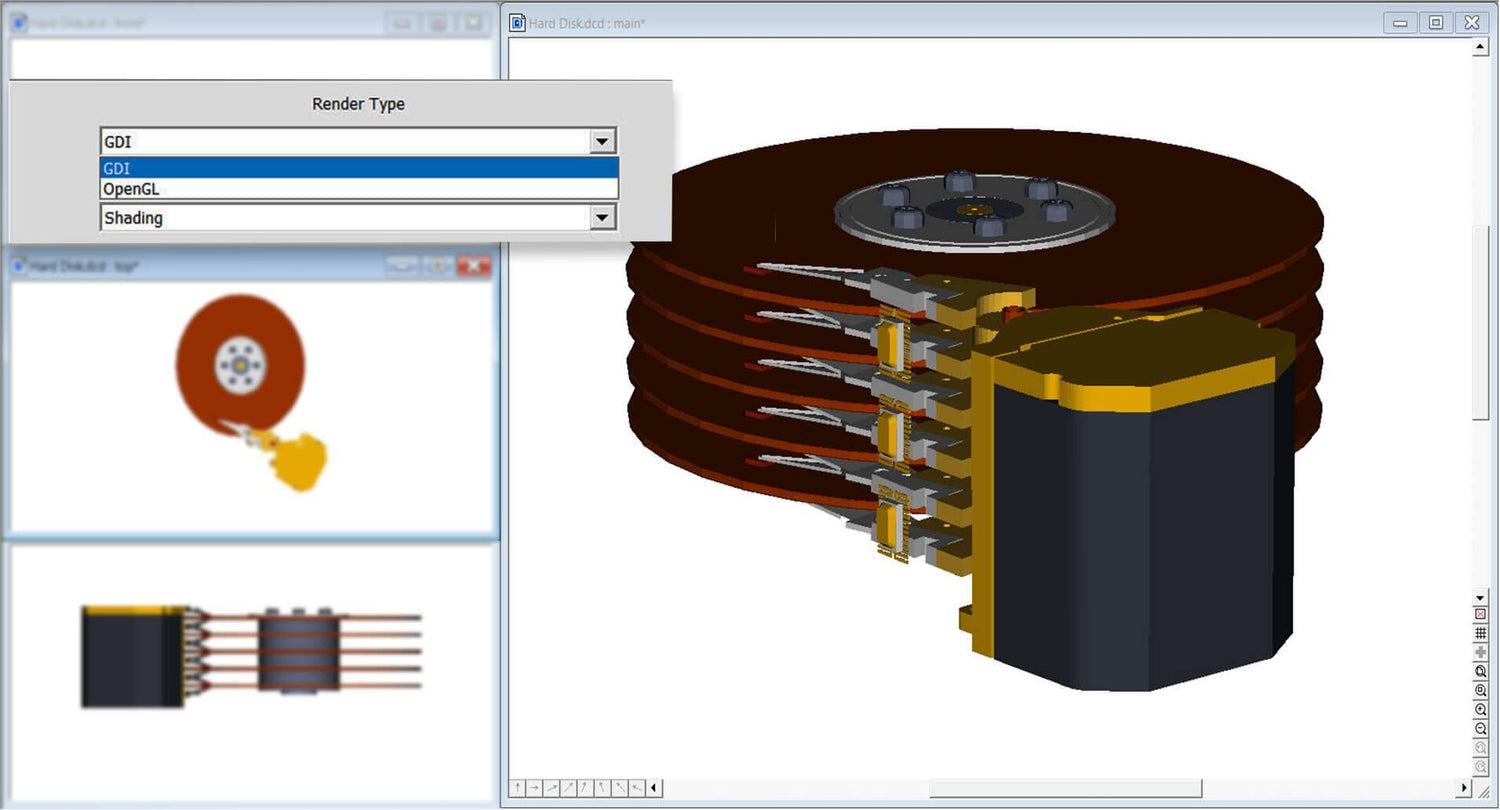
Make your designs move using this software’s high-level OpenGL rendering capability. Draw in the software’s shaded mode, pan, and rotate while performing operations such as copy and subtract. The live rendering feature makes it easy to visualize changes in real time, minimizing guesswork and improving design accuracy.
Breathe life into your models using DesignCAD 3D Max 2025’s walkthrough and animation features. Review a motion sequence, explore a design from varying perspectives, and simulate movement. These tools can help architects present building layouts, educators demonstrate design concepts, and engineers test mechanical assemblies with ease.
Look no further than SoftwareCW for the best software for students, professionals, and businesses. Our streamlined, download-only model at SoftwareCW aligns with the modern consumer’s expectations for efficiency and immediacy. Plus, we offer our solutions at prices competitive with major market players. You can also enjoy priority order and technical support when you shop with us, and members receive 10% off all orders (plus the convenience of canceling anytime). Partner with us and download your must-have software today!
We offer refunds to original payment method if the following are met:
Returns can be requested by logging into your account here.
We offer refunds to store credit if the following are met:
Returns can be requested by logging into your account here.
If the above requirements ARE NOT met:
The sale is considered final and cannot be returned.
It’s easy to fall into the trap of thinking that the best graphic design software for beginners is the one that’s most popular or has the longest feature list. However,...

If you’re thinking about making a decision between Microsoft Office Home & Student vs Home & Business, this decision is going to come down to your daily tasks, budget, and...

Software that students must have helps them be more productive at school. Many of these programs are provided by the school, eliminating the need to buy them. But that’s not...

Computer requirements for different CAD software programs depend on the type of design work, project size, and features you need. Generally, though, you need a 64-bit processor, 16 GB of...

If you've searched antivirus vs internet security and come away more uncertain than when you started, you're not alone. Both terms show up on the same product shelf, often used...

Beginners entering the world of CAD have to strike a balance between professional-grade capability and an accessible, intuitive interface. This narrows the best CAD software options for beginners down to...

When it comes to staying productive digitally, Microsoft has many heavy hitters. Two of this company’s best-selling software products are Microsoft Office and Microsoft 365. In this blog post, SoftwareCW...

For most small teams, such a setup typically has business office software, security protection, PDF tools, and a streamlined document management system. Everything else should be added when manual processes...
Microsoft

Microsoft
Microsoft

Tungsten Automation

Tungsten Automation

Norton

Tungsten Automation

Nuance
Category
Compatible Platforms
Compatible Operating Systems
Pricing Model
Number of Computers/Users
Supported Regions
Delivery Format
Supported Languages