TurboCAD - SoftwareCW - Authorized Reseller

IMSI Design

Professional Design, Planning, and Documentation Software

IMSI Design offers a range of powerful software for drafting, design, planning, document management, and project coordination. From advanced CAD tools like IMSI TurboCAD Deluxe and DesignCAD to home design, PDF editing, and project scheduling software, IMSI Design products are made to support both personal and professional use on Windows and macOS.

Whether you’re an architect making intricate 3D models, a homeowner planning a remodel, or a business managing documentation and timetables, IMSI software offers adaptable, affordable tools that meet your requirements. SoftwareCW offers secure Software Activation Codes for instant downloads of the entire IMSI Design program collection.

Change View

  • Experience the #1 CAD Software Since 1990

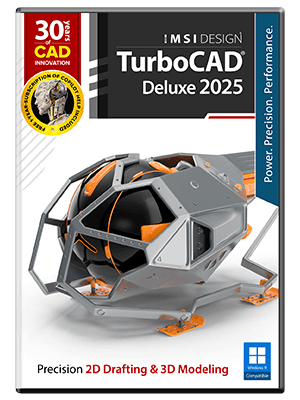
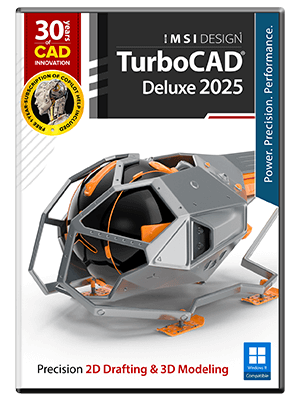
    TurboCAD has been a well-established name in the CAD modeling industry for decades. There are four versions, with each level giving users more features and greater file compatibility. Of the four, only TurboCAD Designer is limited to 2D models. Download TurboCAD Deluxe, Professional, or Platinum for full 2D- and 3D-modeling software.

    In addition to TurboCAD, we offer three other types of software created by the same team:

    Specialized 2D/3D Modeling 

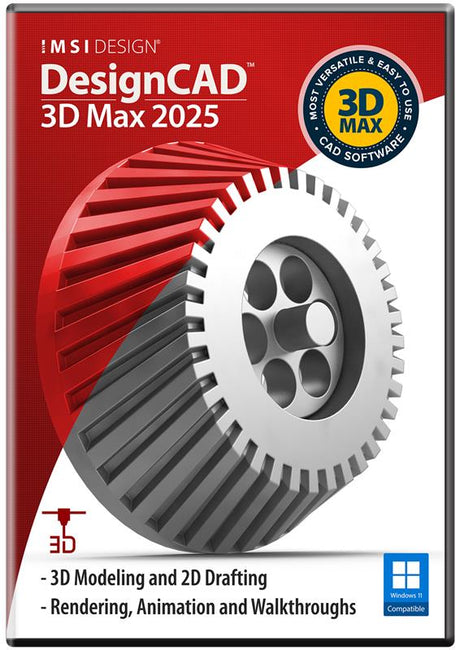
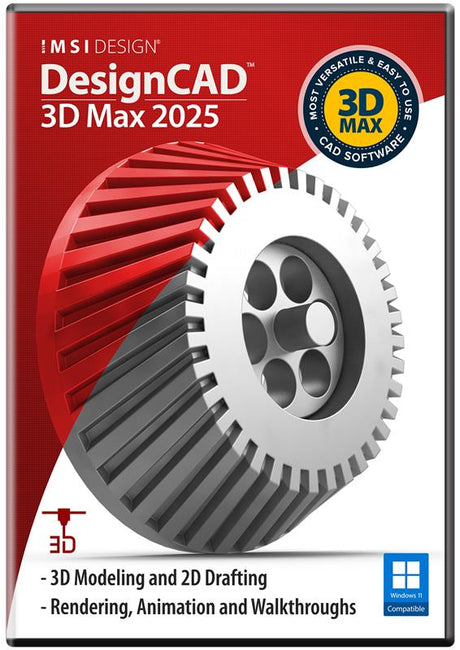
    DesignCAD and FloorPlan are designed for beginners planning a home remodel or building from scratch. With these IMSI Design programs, creating precise layouts, floor plans, and 3D models is easy and doesn’t require extensive training. Homeowners, DIY designers, and professionals looking for user-friendly software can benefit from these programs. 

    Document Management 

    TurboPDF gives you complete control over your PDFs, supporting functions like password protection, adding comments, and merging documents. FormTool enhances TurboPDF by allowing you to create and manage interactive fillable forms with text fields, checkboxes, and calculated inputs.

    Project Management

    TurboProject integrates scheduling tools to help you plan, monitor, and manage your projects. Features such as critical path analysis, task dependencies, and Gantt charts make timelines easy to understand and follow. This IMSI Design platform offers a practical way to manage resources, due dates, and project progress.

  • Find IMSI Design Downloads and More With SoftwareCW

    SoftwareCW has offered name-brand software, such as TurboCAD Deluxe, at discounted prices since 2014. Our customers range from hobbyists looking for home software to large organizations like NASA and Boeing that make the most of their IT budgets. Whether you’re comparing antivirus software or need to download operating systems, you can find it in our robust software catalog.

    As a software retailer, we want you to get the most value from the programs you buy. That’s why we have our SoftwareCW Plus program. Members not only get 10% off all orders, including IMSI Design applications, but also qualify for special volume pricing. Our resource database with free guides gives you the training you need to master your new software. Plus, you’ll have management tools that make recovering software easy, as well as priority technical support.

    Want to learn more about our IMSI software downloads? Contact us anytime — we’re always ready to help.

Frequently Asked Questions

Can you open AutoCAD files with TurboCAD?

Yes. AutoCAD file types DWG and DXF files can be opened with TurboCAD. However, only TurboCAD is guaranteed to be compatible with files created with the latest version of AutoCAD. DesignCAD and FloorPlan are only compatible up to AutoCAD 2020.

Can I use TurboCAD for 3D printing?

Yes, TurboCAD software can be used to create 3D-printable designs — but not all versions. TurboCAD Deluxe downloads and higher can have their designs exported as STL and 3MF file types. Those files can be sent to a 3D printer. DesignCAD 3D is also able to export designs as these file types.

Should I download TurboCAD?

If you want a powerful CAD tool with a well-established reputation, you should absolutely invest in TurboCAD. Go with TurboCAD Designer for 2D computer-aided designing, such as creating floor plans and blueprints. TurboCAD Deluxe, Professional (or Pro for Macs), and Platinum are perfect for 3D modelers ranging from hobbyists and DIYers to industry professionals.

How do TurboCAD Designer, Deluxe, Professional, and Platinum differ?

The tiers are designed for increasingly advanced CAD work. SoftwareCW notes that TurboCAD Designer is limited to 2D, while Deluxe and higher editions add 3D capabilities; Professional and Platinum are aimed at deeper professional modeling and drafting workflows. The exact tools, rendering features, file support, architectural or mechanical functions, and automation vary by version and platform. Choose the lowest tier that covers the drawings and models you actually create rather than assuming every project requires Platinum.

When should I choose DesignCAD instead of TurboCAD?

DesignCAD can be a good fit for users who want accessible 2D or 3D drafting without the broader professional feature set and pricing of the upper TurboCAD tiers. SoftwareCW’s IMSI Design collection includes both DesignCAD and TurboCAD families, along with other specialized products. Compare the file formats you exchange, 2D-versus-3D needs, rendering, precision-drafting tools, and downstream workflows. If you collaborate with advanced CAD users or need specialized professional features, a TurboCAD edition may be the stronger fit.

What is FloorPlan software best suited for compared with general CAD?

IMSI FloorPlan products are tailored to home, interior, landscape, and property planning, so they emphasize rooms, furnishings, terrain, materials, and visualization rather than requiring users to build every element from generic CAD geometry. General CAD such as TurboCAD is more flexible for engineering, drafting, mechanical, architectural, and custom design work. Choose FloorPlan when the project is primarily residential or landscape visualization; choose a broader CAD package when precise custom drawings and diverse technical design tasks are more important.

Does IMSI Design offer software for both Windows and Mac?

Yes. SoftwareCW’s current IMSI Design collection includes Windows and Mac products, including separate TurboCAD Mac Professional and Platinum editions. The two platforms use different product builds and can have different feature sets, versions, and system requirements. A Windows TurboCAD license should not be assumed to work on macOS or vice versa. Check the exact platform, supported operating-system release, processor requirements, file formats, and license terms for the SKU you intend to purchase.

Are IMSI Design products subscriptions or one-time purchases?

SoftwareCW’s IMSI Design collection currently contains both pricing models: most listed products are one-time purchases, while some are yearly subscriptions. All current collection results are shown as one-computer licenses. The right model depends on whether you prefer a fixed version or ongoing access to newer releases and services. Review the exact TurboCAD, DesignCAD, or FloorPlan SKU because licensing can differ even within the same brand, and do not infer the payment model from the product-family name alone.

How should I evaluate CAD file compatibility when switching IMSI products?

Check both import and export support for the exact file formats and versions your collaborators use. IMSI products can support common CAD formats, but compatibility depth differs by product and edition, especially for complex 3D data, newer DWG generations, rendering information, or specialized objects. SoftwareCW notes different AutoCAD compatibility limits among TurboCAD, DesignCAD, and FloorPlan. Before switching software, test representative production files and verify that critical layers, dimensions, blocks, line types, and geometry survive the round trip.

What hardware matters for 2D versus 3D IMSI design work?

Basic 2D drafting generally requires less graphics and memory capacity than large 3D models or photorealistic rendering. For 3D work, pay more attention to processor performance, RAM, GPU support, display resolution, and free storage. The exact requirements depend on the TurboCAD, DesignCAD, or FloorPlan version. If rendering, large assemblies, or complex architectural models are part of your workflow, use the recommended hardware requirements rather than the minimum and verify GPU compatibility before purchasing.

What should I verify before purchasing IMSI Design software?

Start with the job: 2D drafting, 3D CAD, home and landscape design, PDF work, or project planning. Then compare the exact product family, edition, Windows or Mac platform, supported OS, file formats, 2D/3D capabilities, rendering needs, computer hardware, pricing model, and one-computer license. If collaboration matters, test the CAD files your team actually exchanges. IMSI Design spans several unrelated workflows, so product selection should be based on the task rather than the brand alone.