Software for 3 Computers

Change View

Frequently Asked Questions

What does a 3-computer software license usually allow?

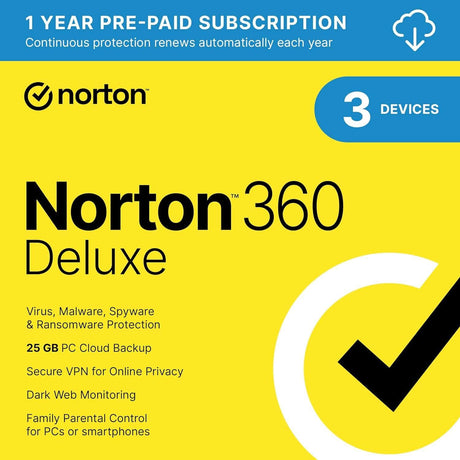
A 3-computer or 3-device license usually allows the covered software to be active on up to three eligible devices, but the publisher’s license terms determine exactly what counts. SoftwareCW currently shows three-device options for products such as McAfee Internet Security and Norton 360. The limit normally applies to installations or protected devices, not automatically to three different people. Check the exact product page for platform support, subscription duration, user rules, and whether the device slots can be reassigned.

Who is a 3-device software plan best suited for?

Three-device licensing is useful for a person or household with a small set of computers and devices—for example, a desktop, a laptop, and one additional eligible device. It can also fit a small office when the publisher permits that use. The best plan size depends on how the license counts computers, phones, tablets, users, or simultaneous installations. Compare your actual device inventory with the exact terms rather than buying solely because the number three sounds close to your needs.

Can three people share a 3-computer license?

Not automatically. A three-computer entitlement tells you how many devices may be covered, but it does not by itself establish that three separate people are licensed users. Some consumer security subscriptions are account-managed and focus on device slots, while productivity and business software may have separate named-user rules. Check the publisher’s license agreement for user, household, commercial-use, and account restrictions before sharing the software across multiple people.

Can a 3-device license cover both Windows and Mac computers?

Yes for some products, but not all. SoftwareCW’s three-device McAfee and Norton options include Windows and Mac support, while other three-computer titles may be Windows-only or have different requirements by platform. Verify the exact operating-system versions as well as the platform name, because current releases can stop supporting older Windows or macOS versions. If your three devices use different systems, confirm every device individually before purchasing.

Can I replace one of the three licensed computers later?

Many account-managed subscriptions allow a device slot to be freed and reused, but the procedure varies. Norton lets users remove an old device from the subscription’s device list and then install protection on another device. Other products may require deactivation within the application or assistance from support. If one of your three computers is likely to be replaced during the license term, check transfer and reinstall rules before buying so you know the seat will not be stranded.

Is a 3-device edition always cheaper than a 5- or 10-device edition?

Usually a smaller entitlement has a lower upfront price, but the best value depends on current pricing, included features, and renewal cost. A larger plan can cost less per device while still being unnecessary if several seats remain unused. Compare the actual three-, five-, and ten-device options for the same product family rather than comparing unrelated products. Also check whether higher tiers add features beyond extra device slots, because that can change the value calculation.

Will reinstalling software on the same computer use another device slot?

It depends on how the publisher identifies and manages installations. Account-based security products usually let you view active devices and may recognize a reinstall on the same machine, but hardware changes or an old installation record can sometimes require you to remove a device entry first. Keep access to the publisher account and product key or activation information. If a reinstall appears to consume an extra slot, use the publisher’s device-management tools or support process rather than purchasing another license immediately.